Framecheckby Serra Gonca Studio
Framecheck / Serra Gonca Studio

A closer look
at the render.

Architectural images carry hundreds of decisions. Framecheck is a prototype for reviewing one render with Claude and returning a short list of details for the designer to check.

Prototype in development · live Claude review is not yet available
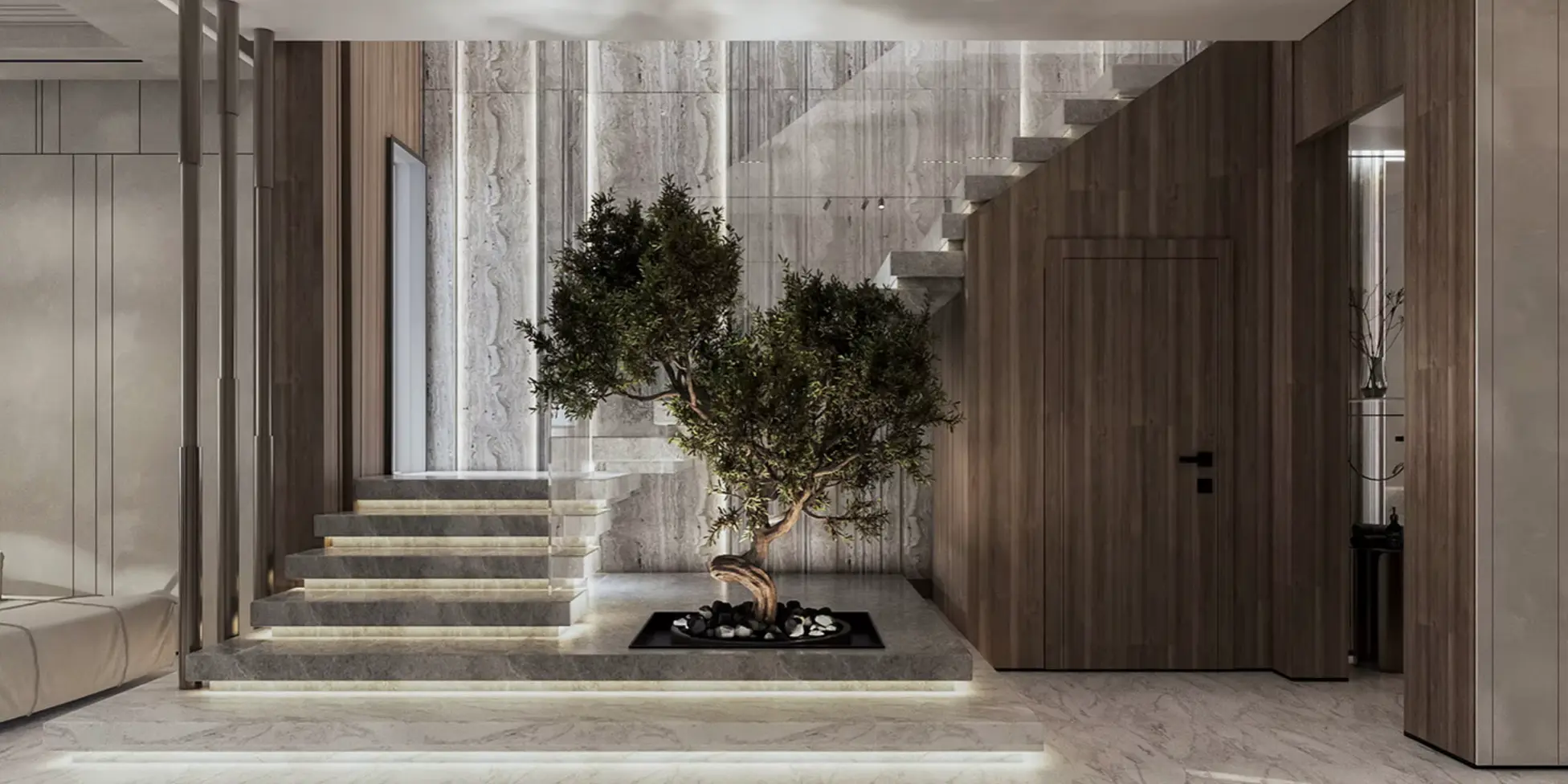
Architectural interior render with illuminated stone steps, a tree, and a timber wall
Architectural render / study imageProvided for the Framecheck prototype
Framecheck / Concept 01For architects, visualization teams, and studiosVisual review before client presentation
Illustrative walkthrough

From one render
to a review list.

Explore the intended workflow on one of the supplied renders. The example notes below were written to show the report format; they are not Claude output.

01 Select a render02 Ask what to check03 Review possible observations04 Verify in the model
Example inputArchitectural image
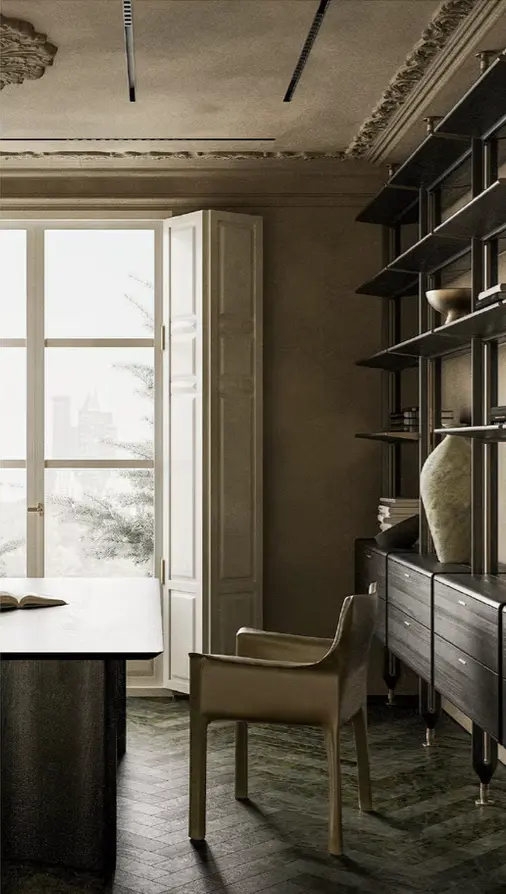
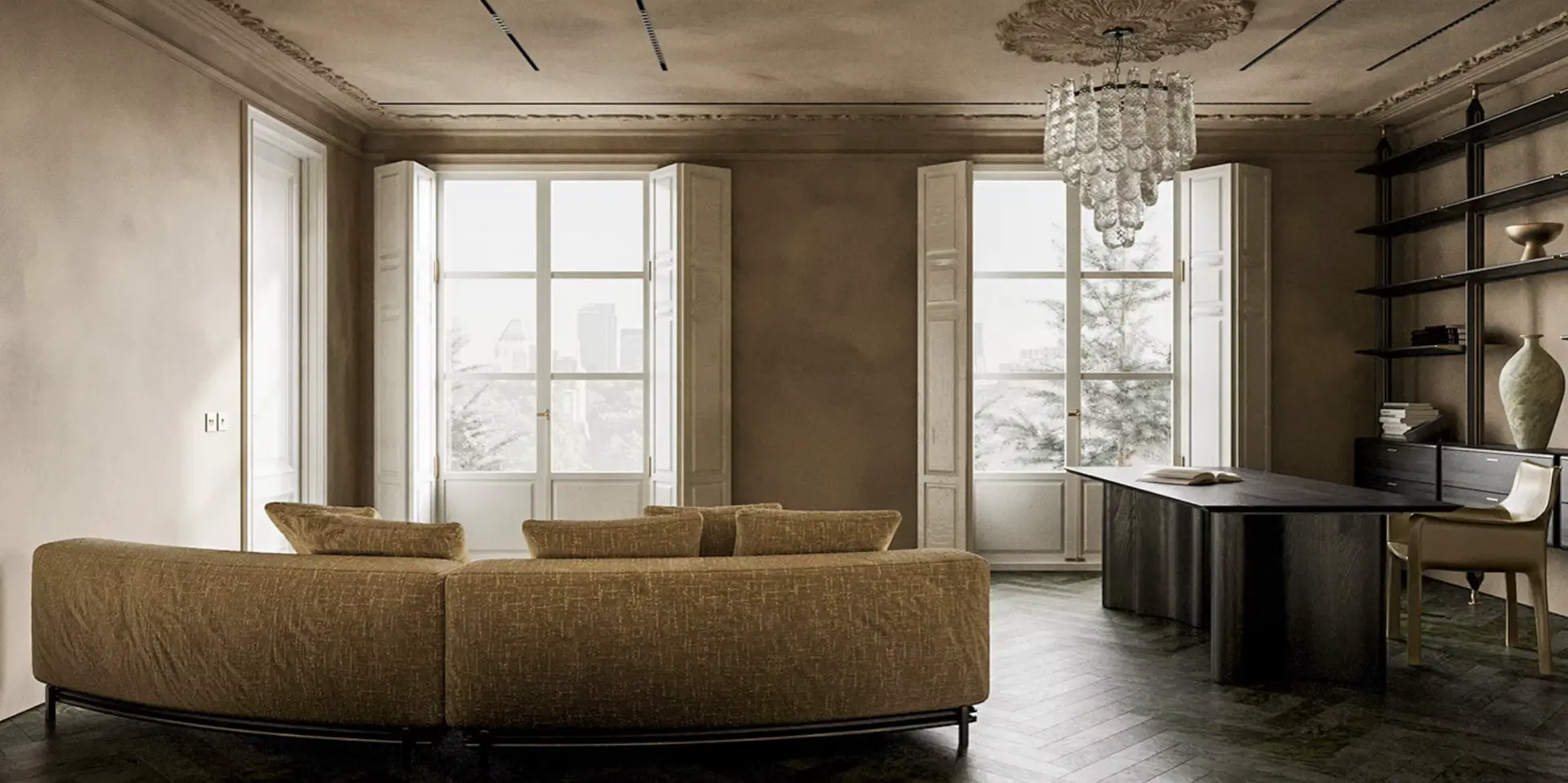
Residential interior render used to illustrate Framecheck's review workflow
Focus question

“Review the windows, lighting, and desk area for details worth checking before presentation.”

Example reportManually authored

A review would organize possible observations and suggest what to verify. Select a topic to see how one item could read.

Possible observation / illustrative

Window details

Compare the frame spacing and shutter positions across the two openings. A rendered view alone cannot confirm whether a difference is intentional.

Verify: Check both window assemblies in the source model and elevations.

This is a manually written demonstration of the workflow, using a real render. No Claude API call produced these notes, and no defects are asserted. Live analysis is still awaiting configuration.

Source material

More views to test.

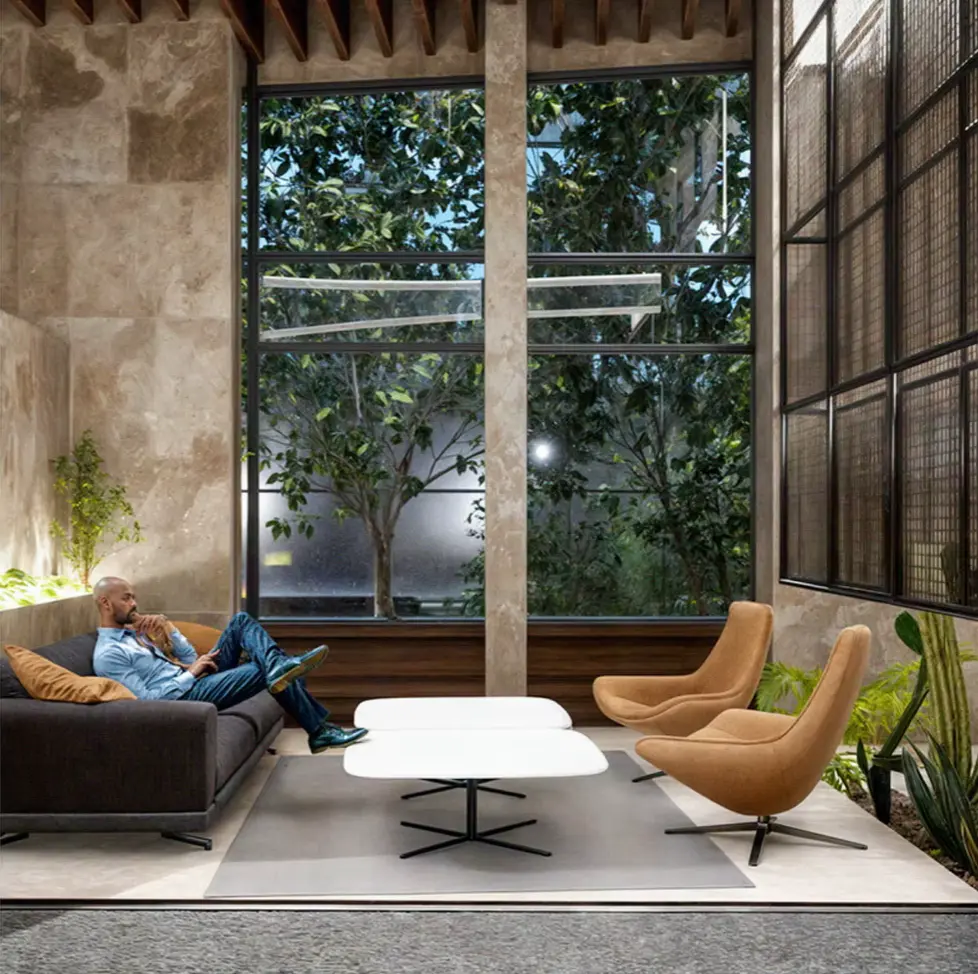
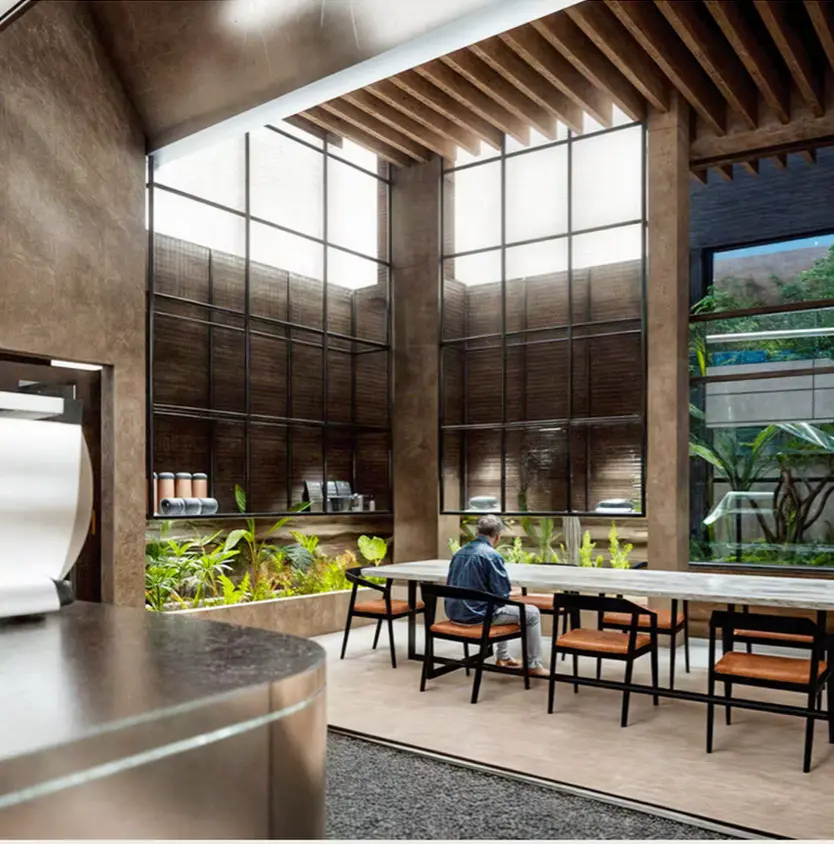
These architectural images were supplied for the prototype. The captions describe possible review focus areas, not AI findings.

Claude review / in development

Review your own render.

The interface is ready for a one-image review. Live Claude analysis is available only when the prototype's server access has been configured.

Selected image preview
↥Drop an image or click to browseJPG, PNG, or WebP · up to 10 MB
No image selected

Checking prototype availability…

Selecting a file shows a preview in your browser. The image is sent for analysis only if the live service is enabled and you submit it with an access code. Image handling

Review reportAwaiting image
⌁

Your observations will appear here. Claude will flag possible issues and suggest what to verify in the source model.

The idea

Review at the speed of a second look.

Late visual fixes cost time. Framecheck is being developed as a focused review layer for architectural presentation images: identify a possible issue, explain it, and leave the final judgment with the designer.

01 /

Bring the image

In the planned live flow, a designer selects a rendered view or architectural image with an optional focus question.

02 /

Review with Claude

Once configured, the server forwards the image to Claude for observations about possible inconsistencies in geometry, materials, and placement.

03 /

Decide with context

Each observation suggests what to verify. The designer decides whether it is a mistake or an intentional choice.

Where we are

An interface and a test plan.

The landing page, illustrative walkthrough, render gallery, and server integration code are built. Live Claude analysis has not been enabled yet; the walkthrough notes are manually authored.

Next, we plan to compare real model observations with a designer's review, track false positives, and measure the API cost per image. We have not set pricing or published pilot results.

01Interface and example walkthrough Built
02Configure and test Claude access Next
03Review accuracy and cost Planned
Who it is for

A review tool for visual teams.

Framecheck is intended for independent architects, visualization specialists, and studios preparing images for presentation. The proposed workflow is one image at a time, with a designer checking each AI observation against the source model.

After the live review flow is tested, a limited pilot could help evaluate whether this is useful in a real project workflow. The commercial model and pricing are still undecided.

About the project

Framecheck by Serra Gonca Studio.

Serra Gonca Studio is developing Framecheck as a tool for architects and visualization teams reviewing presentation images. Framecheck is the product name; Serra Gonca Studio is the studio behind it.

This is an early prototype. The public page includes architectural renders and an upload interface; live Claude analysis is not currently enabled.

Image handling

Before you submit an image.

Choosing an image only creates a local preview in your browser. While live analysis is disabled, this page does not submit your image for review.

If live access is enabled, submitting sends a resized JPEG version of the image, your optional focus question, and your access code to the Framecheck server. The server checks the code and forwards the image and question to Anthropic's Claude API. The access code is not forwarded to Anthropic.

Framecheck's application code does not write uploaded images or reports to permanent storage. Hosting and API providers may process request data under their own policies. Do not submit confidential client material without permission. See Anthropic's privacy information.
Serra Gonca Studio

Thoughtful tools for
visual work.

Framecheck is an early exploration of how AI assisted review might fit into an architect's process. We are developing the concept one practical check at a time.